

About
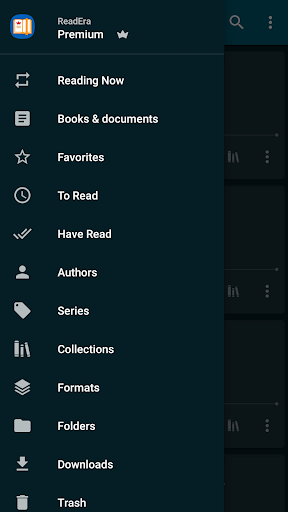
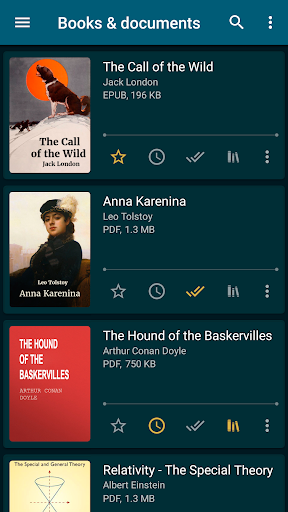
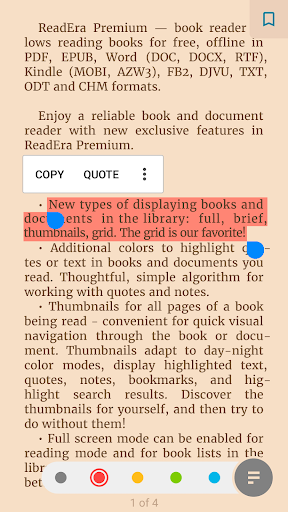
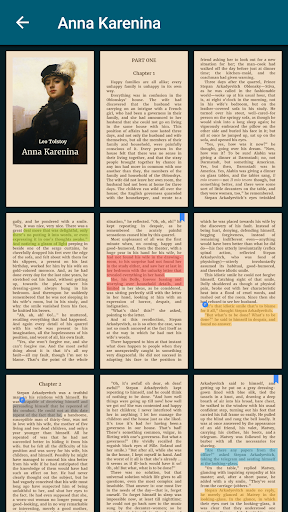
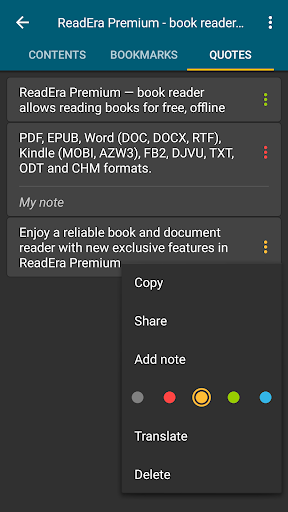
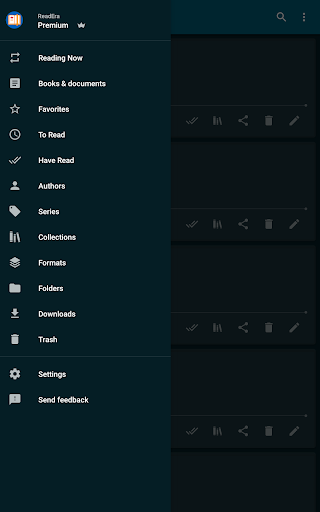
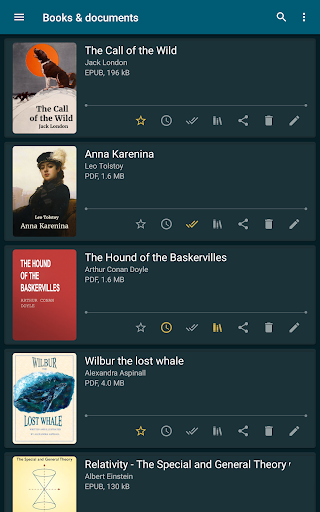
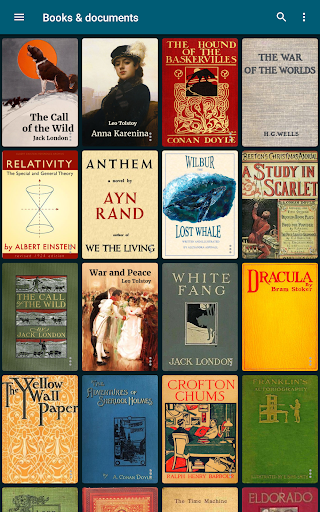
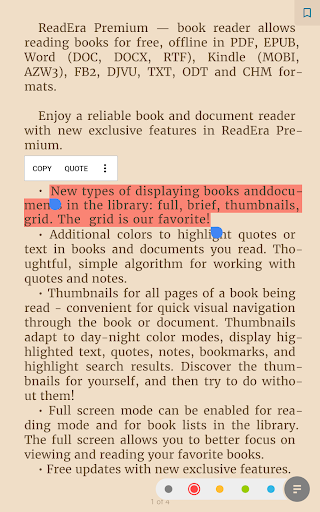
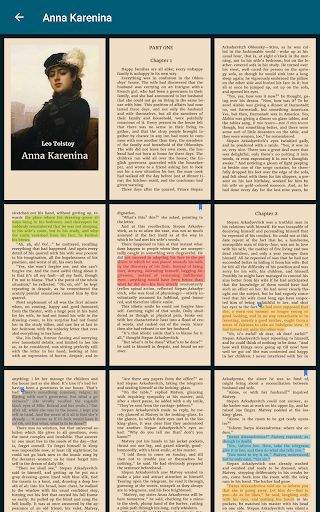
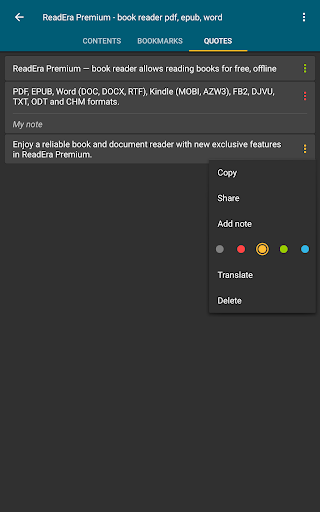
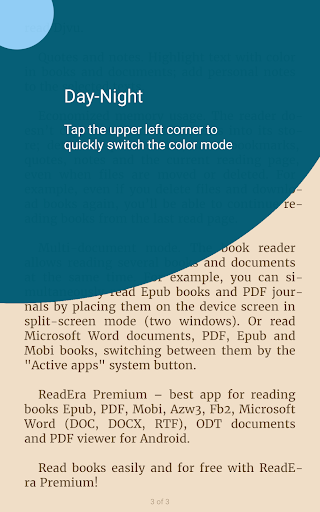
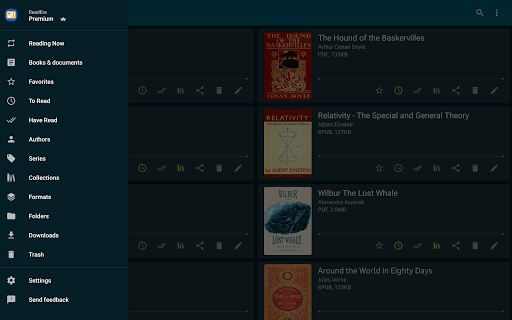
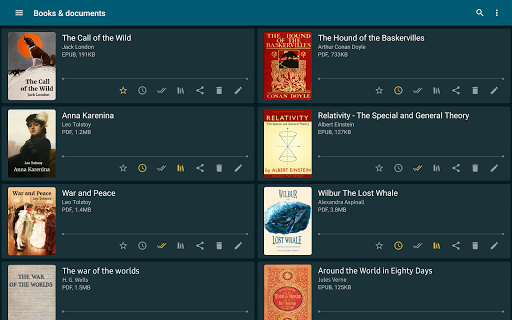
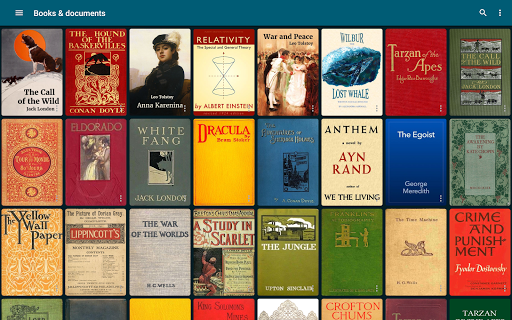
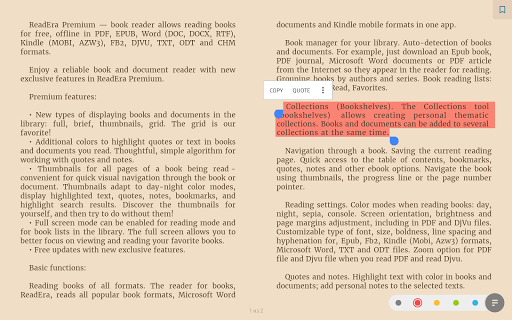
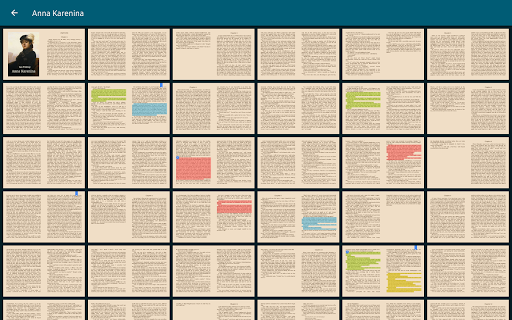
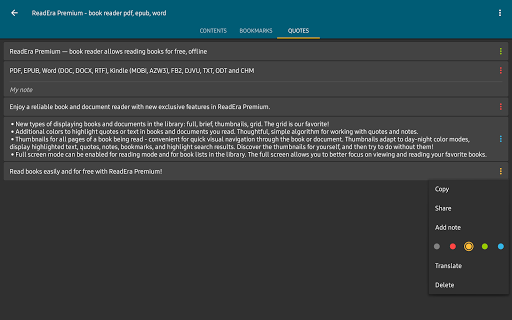
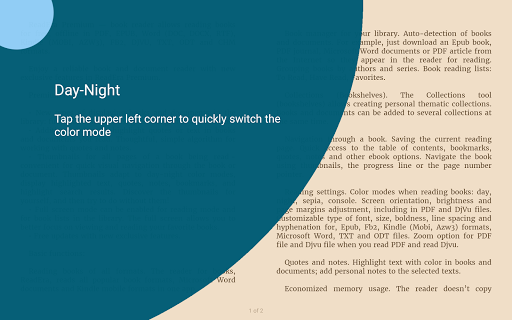
ReadEra Premium — a unique tool for searching, reading, and managing books and documents. The app allows you to automatically locate all supported books and documents on your device, search for books by title and author, read and listen to books, make bookmarks, notes and quotes, manage book and document files, sort and group books and documents by authors, series, and formats, add them to collections, find duplicate book files, view, rename, and move files across external folders, manage folders — create your own unique library of books and documents. ************* 30-day money-back guarantee! ************* You can search for books across your device, read books for free and manage files in PDF, EPUB, Microsoft Word (DOC, DOCX, RTF), Kindle (MOBI, AZW3), Comic (CBZ, CBR), DJVU, FB2, TXT, ODT, and CHM formats. Premium features: Synchronization. Synchronize books, documents, reading progress, bookmarks, and quotes with Google Drive on all your devices. Read aloud in the background TTS. You can listen to books and documents in the background and even with the screen locked. Section: Quotes, Notes ... All quotes, notes, bookmarks and reviews from all books and documents are collected in one place. Section: Dictionary. One section for all your words from all books and documents. My fonts. You can upload your fonts and use them for reading books and documents. Library view. Customize the view of displaying books and documents in the library: full, brief, thumbnails, grid. Colors for quotes. Additional colors to highlight quotes or text in books and documents you read. Page thumbnails. Thumbnails for all pages of a book being read - quick visual navigation through the book or document. Basic, core features: Search for books and documents Automatic detection of all books and documents on your device. The search function allows you to quickly find the desired book or document by title, author, series, format, or language. Quick navigation through book files found on the device The Books & Documents section displays all supported books and documents found on the device, with options to sort them by title, filename, file format, file size, modification date, and reading date. The Authors section displays all authors of books found on the device. The Series section lists all book series detected on the device. The Collections section allows you to create your own personal collections and add bookmarks to the files of found books and documents. The Downloads section displays all books found in the downloads folder on the device. Managing folders on the device The "Folders" section allows you to navigate through external folders, displaying the number of supported books and documents in each folder. This section provides tools for managing folders on the device, including viewing, creating, copying, deleting, and moving folders. Managing book and document files on the device The "About Document" section provides tools for managing compatible books and documents. The section contains detailed information about the exact file location, enables quick access to the folder where the file is stored, helps identify duplicate files for a book or document. You can copy, rename, delete, move, and share the document file. Also, you can edit the title, author, and series of a document, view and edit the annotation of a book, open a document for reading, enable text-to-speech, create and edit bookmarks, quotes, and notes in a book or document. Reading Settings Color themes when reading books: day, night, sepia, console. Setting the orientation, screen brightness and page margins, adjusting the font size, type, boldness, line spacing and hyphenation. When reading PDF and Djvu files, zooming is supported. Read and manage books easily and for free with ReadEra Premium!
Info
Release
Dec 21, 2019
Last Updates
• Improved full-screen reading mode for Android 15 and above.<br>• Optimized cover extraction, display of quotes, footnotes, and table of contents in some rare books for an even more comfortable reading experience.<br>• Enhanced Japanese text support: line breaks when displaying ruby (furigana), alignment of inline images; display of enlarged characters and some dialogues.<br>• Improved display of Chinese text in TXT files.<br>• Improved TTS (text-to-speech) performance.
Rating
Rated for 3+
Genre
Books & Reference




Reviews
It's fantastic, no ads, not forcing you to buy premium. I did it to support their mission.
István Rigó
excellent app. I recommend it to people all the time.
Dawn Zimmermann
Best e-book reader!
Marta P
it's a ripoff, don't pay for the premium version, it does not work without internet connection
Camilo Rojas
Excellent app. I only wish the text-to-speech was as excellent as the rest.
M Roberts (Senacharim)
best pdf reader i tried
tolymenn
Works really well. I have 3 other eBook readers on my devices, and I keep using this one unless I need the extra features this one doesn't have, light highlighting. Its simple, aesthetically pleasing, and has the basics. I took off one star, because out of all my other readers, this was by far the most expensive, and has the fewest extra tools and options. But what really made me sad, was to discover there's not even a widget. oh well, it's great for what it does to.
Brian Ross
Excellent reader!
Rodney Caruana
Insane app for reading low-key goated for its price and the ability to sync books between devices low-key the goat find of the year for me
Yaroslav Nevzlin
Great app. I upgraded to the premium after using it for a few weeks.
Ed S.
ปรับแต่งในการอ่านไฟล์ PDF ง่าย จัดหมวดหมู่ไฟล์ได้เอง ในกรณีอ่านแนวนอน จอขนาด 7.8 นิ้ว หากแสดงสัญลักษณ์คั่นไว้ จะทำให้หาง่ายขึ้นว่าต้องเริ่มจากจุดไหน
Nattee N.